The KVM panel built for the people running the hardware.
Customers, resellers and your team on one fast, self-hosted panel. Nodes dial out to it, so there are no ports to open on your hypervisors. It installs with one command and keeps your data in one file you own.
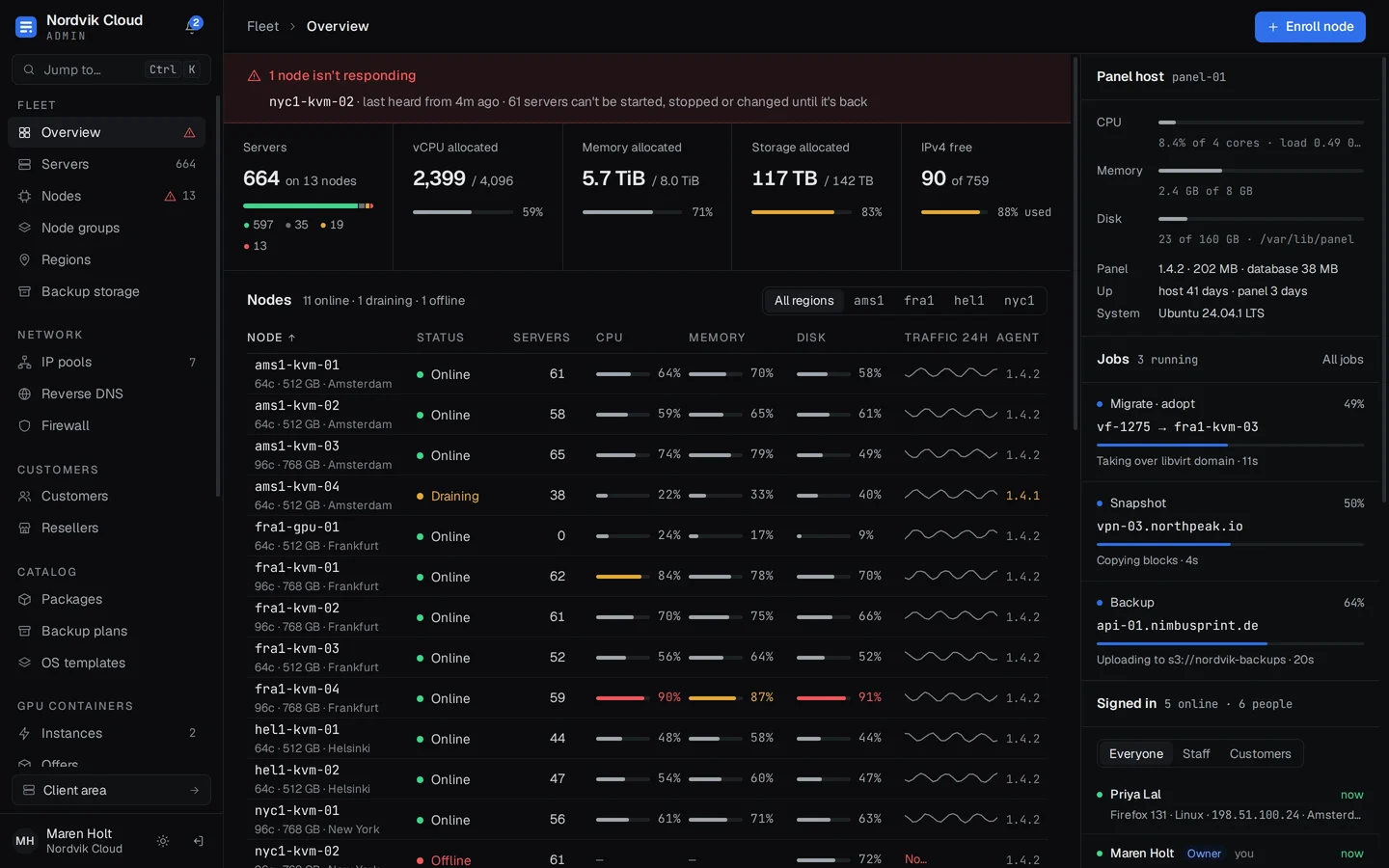
- Install
- One command on Debian 12 or Ubuntu
- Nodes
- Agents dial out. No ports to open
- Data
- One SQLite file you own
- Billing
- REST API and signed webhooks
- Moving in
- Imports from VirtFusion and Virtualizor
01 / For your team
A fleet you can read at a glance.
Each node page shows live usage, what's scheduled on it and how its agent is doing. When one goes quiet, the overview says so before your customers do.
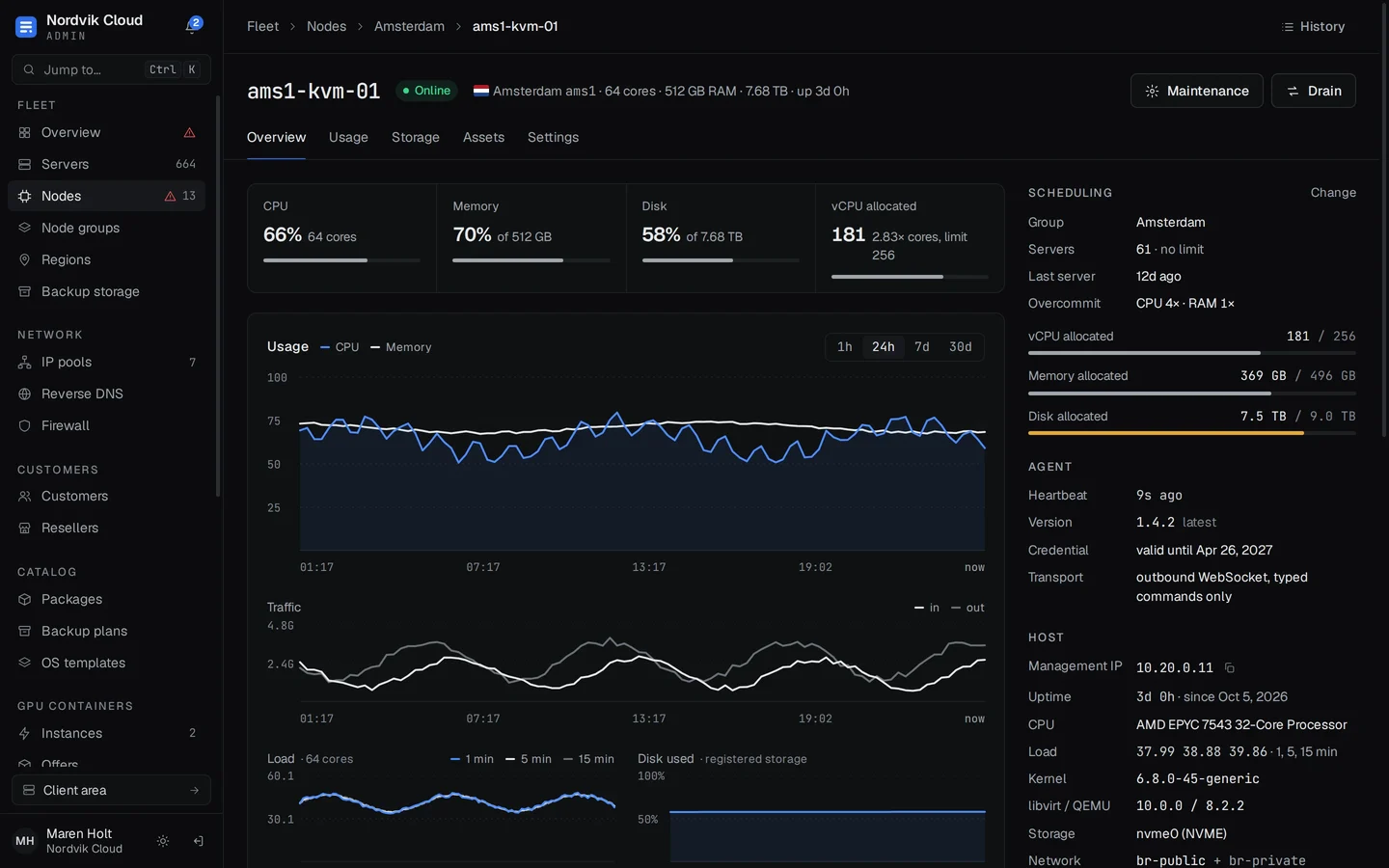
- See trouble first
- Every node's CPU, memory, disk and traffic on one screen, with the one that stopped answering at the top and what it affects.
- Placement you choose
- Node groups place new servers by free memory, free disk, CPU load, server count or round robin.
- Drain a node
- Live moves copy a running server's disk and memory, then pause it for well under a second. Drain plans where everything goes and moves two at a time.
- Roles that fit
- Owner, admin, support and network ops out of the box, or build your own from individual permissions. Everything lands in the audit log.
02 / For your customers
Fewer tickets, because they can do it themselves.
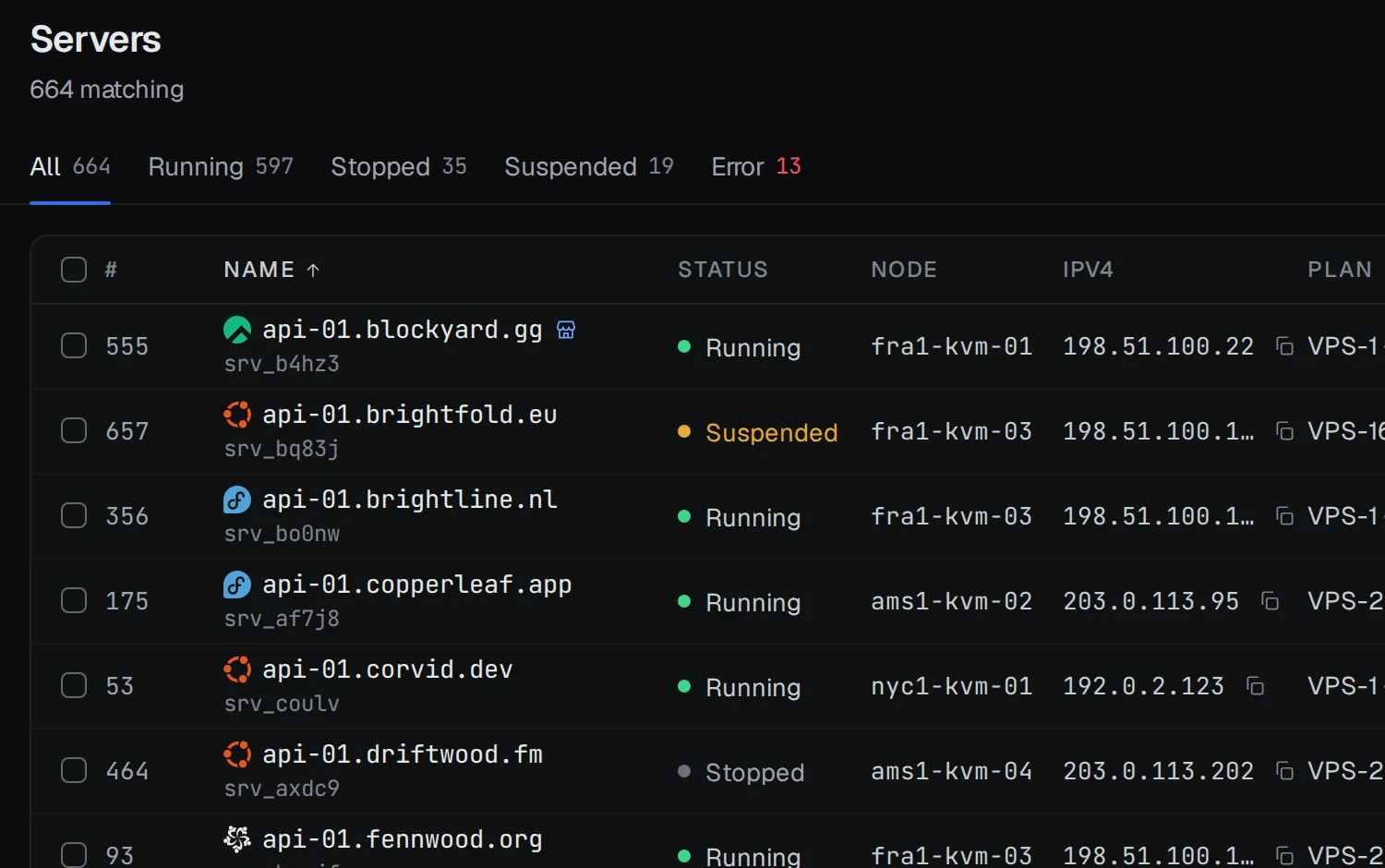
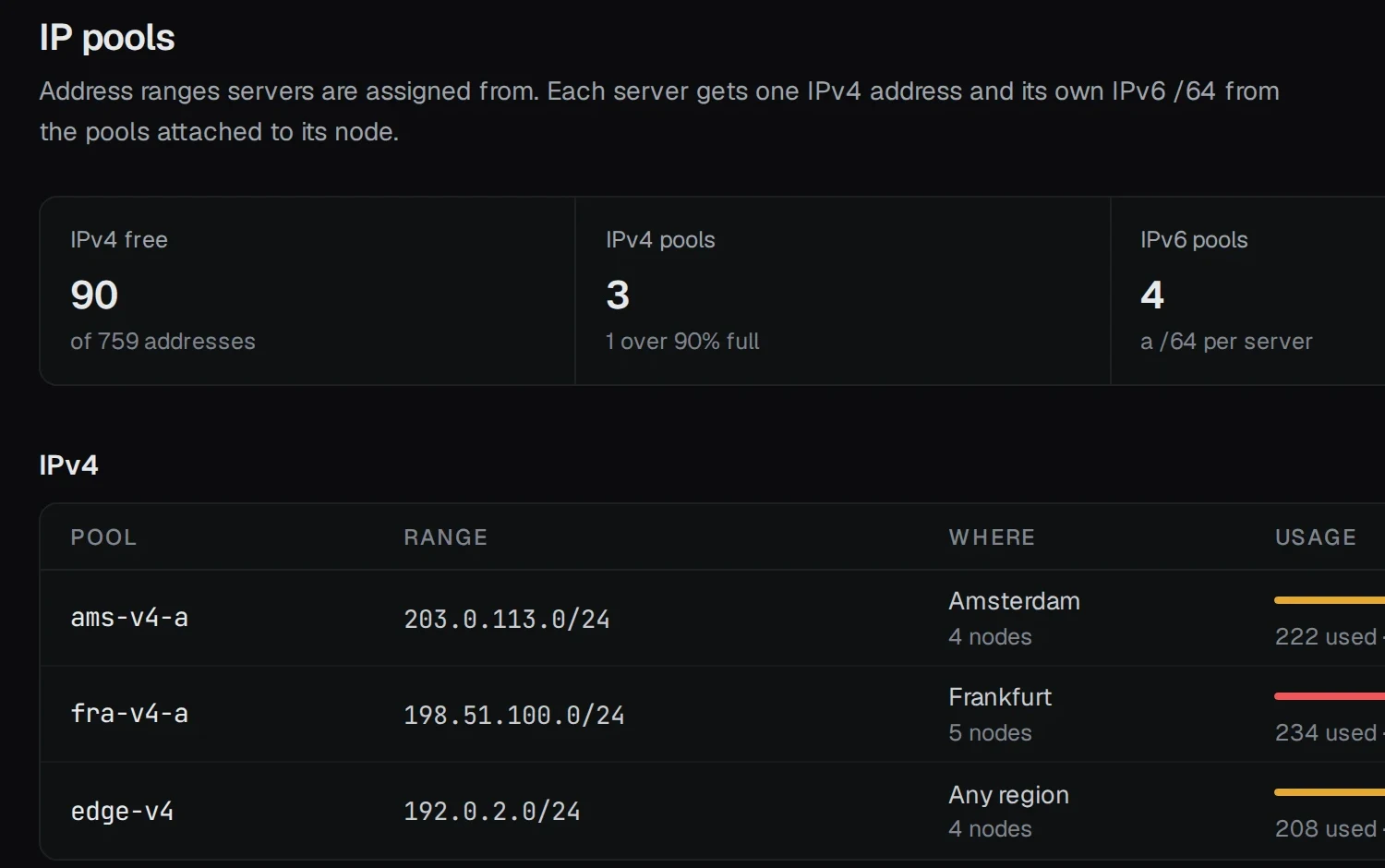
Power, console, reinstall, backups, firewall and reverse DNS, on a page that explains itself. When something needs you, they see why instead of guessing.
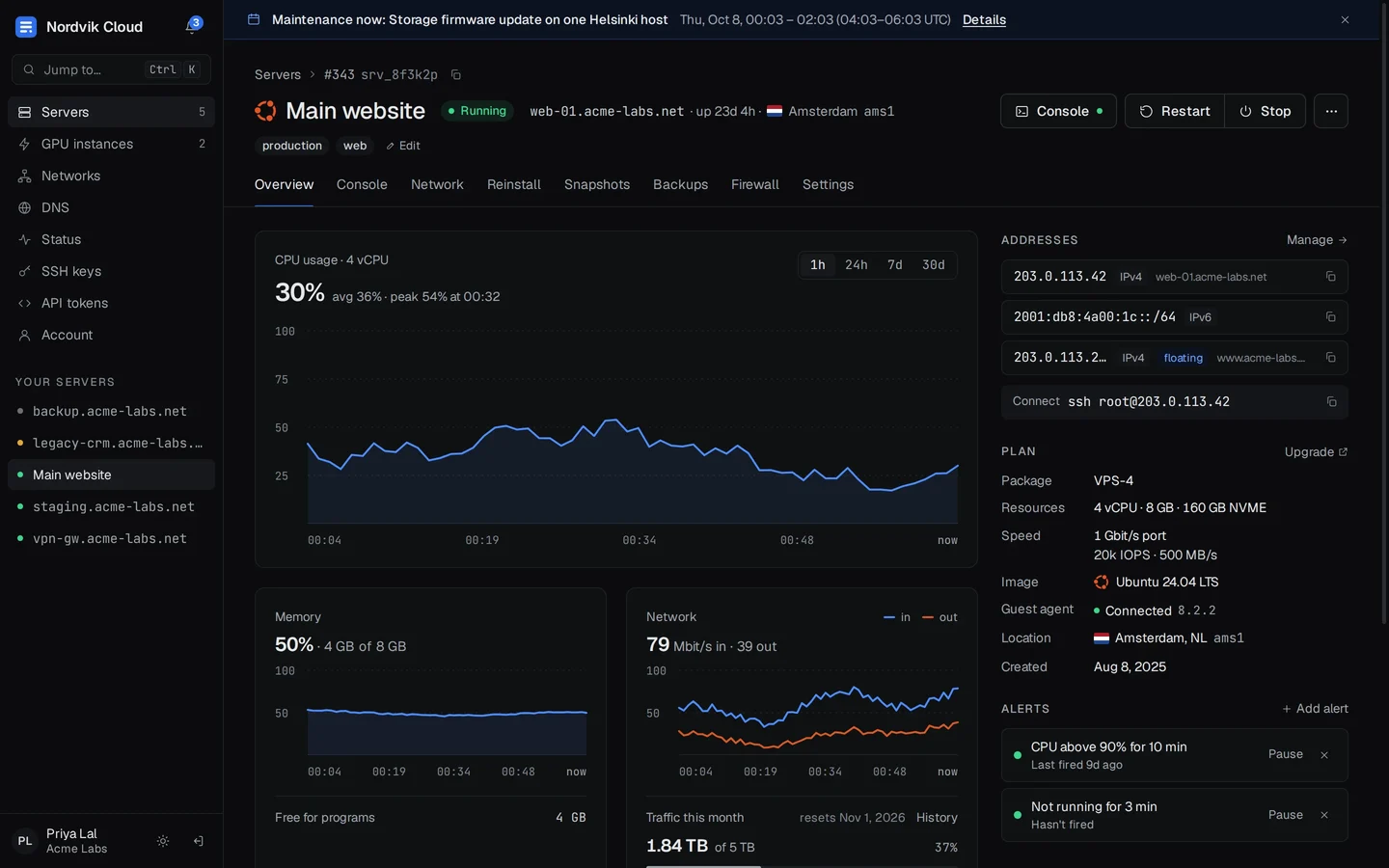
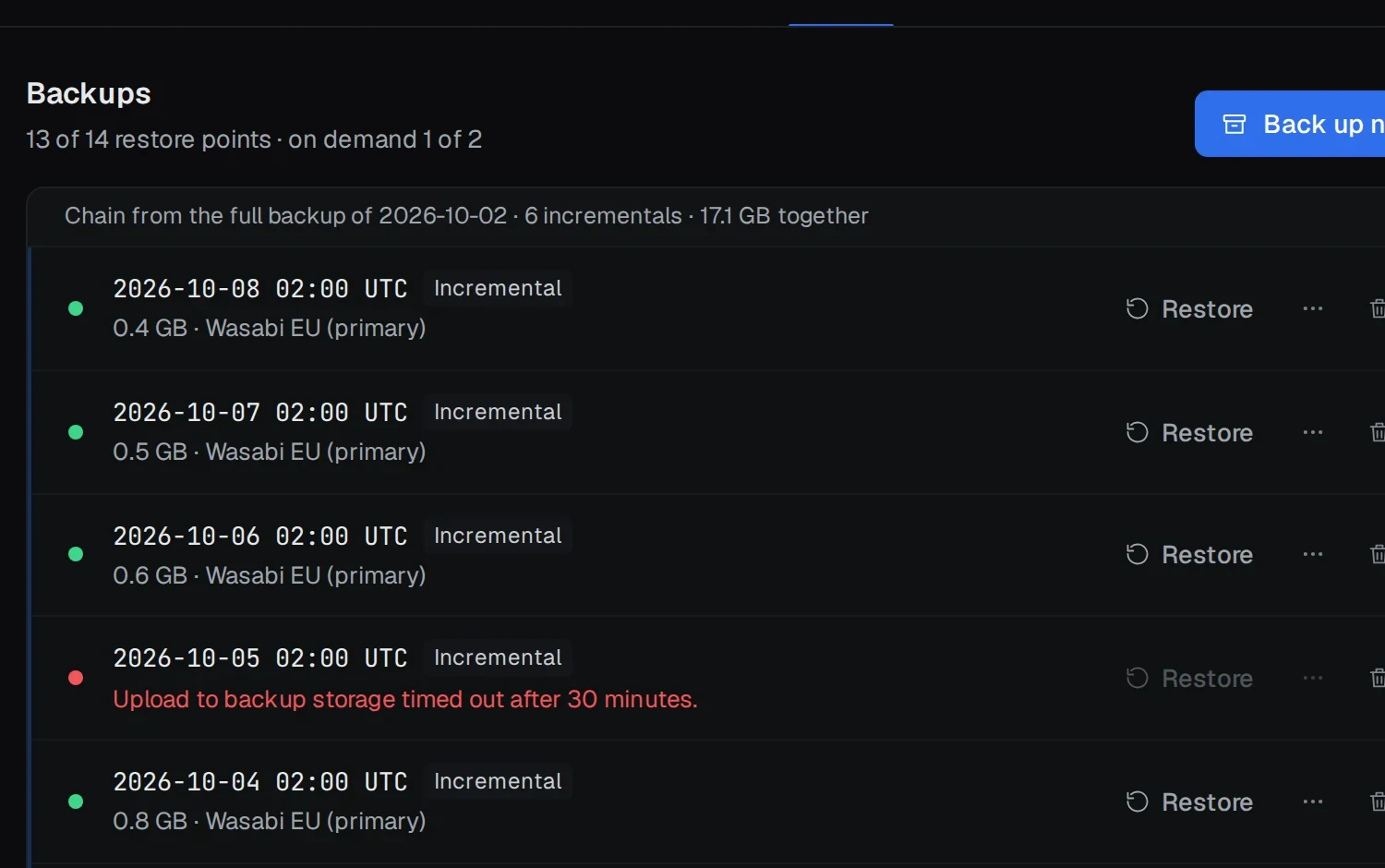
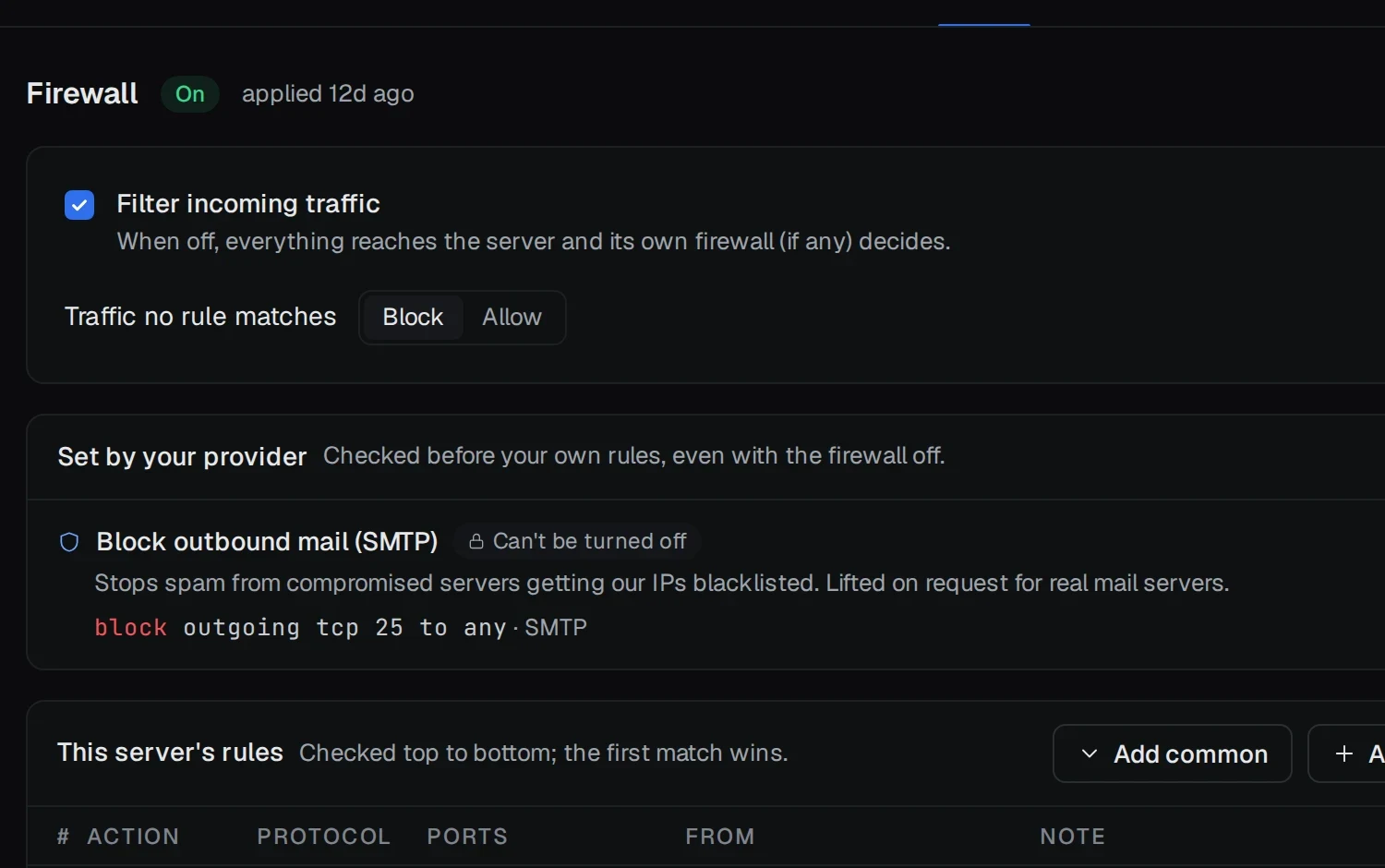
- Console
- Screen over VNC and a serial console, in the browser
- DNS hosting
- A zone editor that checks records as you type, with BIND import
- Reverse DNS
- Checked against forward DNS, with a one-click fix
- Team access
- Read-only, operator or full access, per server
- Self-service
- Deploy within an allowance you set
- API tokens
- Scoped tokens for their own automation
03 / For resellers
Let others sell your capacity.
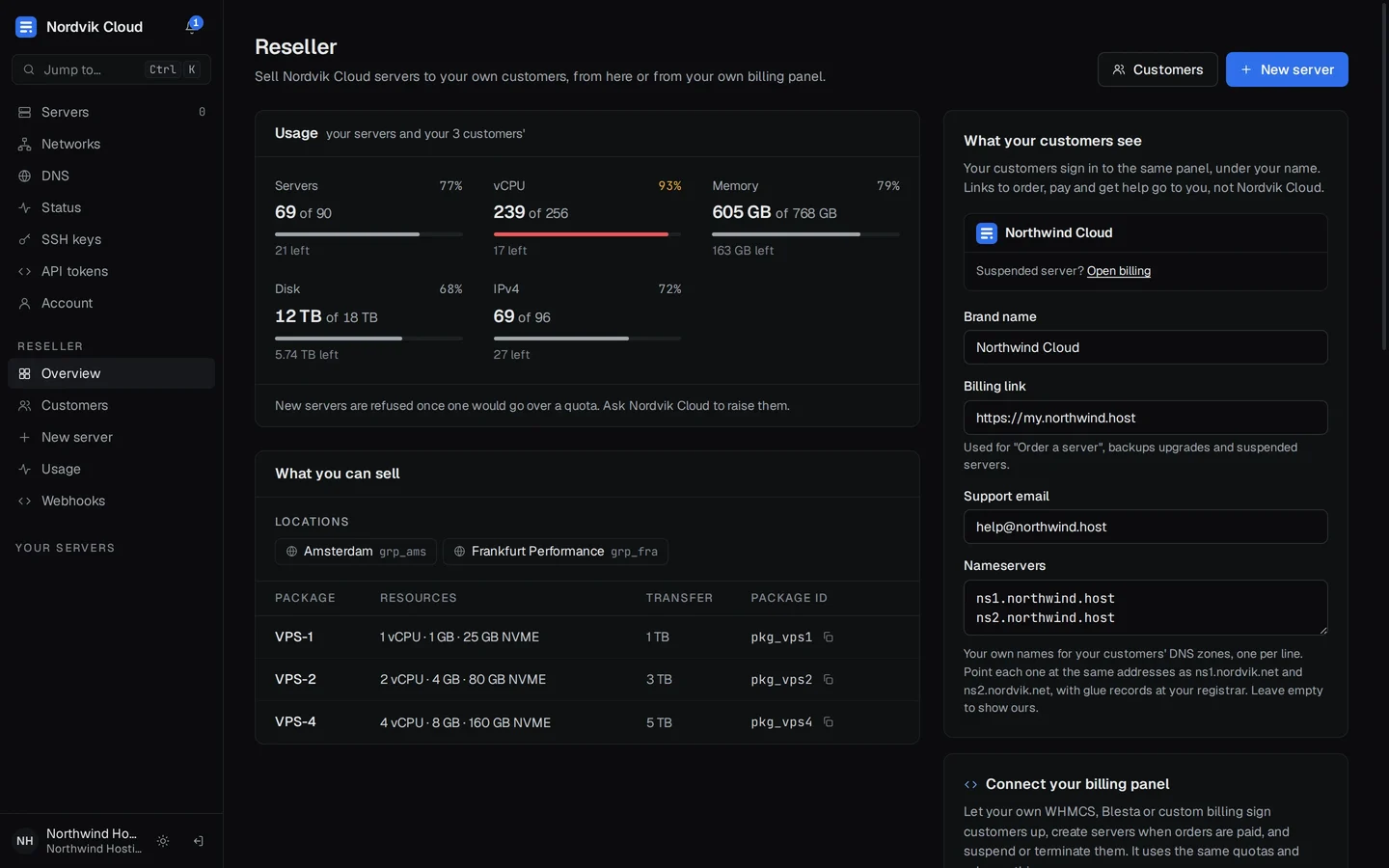
Give a reseller quotas, the packages and locations they may sell, and their own customers. Those customers see the reseller's brand, billing link and support email, never yours.
- Usage against quota, always in view
- Their own billing panel, over the same API
- Suspend, unsuspend and terminate their customers
04 / How it works
Small on purpose.
One controller, one database file, and an agent on each node that calls home. Nothing to cluster, nothing to tune, and no ports to open on your hypervisors.
- ams1-kvm-01
- fra1-kvm-02
- hel1-kvm-01
- nyc1-gpu-01
KVM hosts with a small agent that dials out. Ports to open for the panel: none.
- Runs as
- One binary, one service
- Data
- One SQLite file
- HTTPS
- Caddy, set up for you
- Backups
- To S3 or SFTP, off the nodes
Consoles, jobs and live stats all travel over the agents' own connections.
- Your teamAdmin area, with roles
- CustomersTheir servers, DNS and team
- ResellersTheir customers, under their brand
- Billing panelsREST API and signed webhooks
Install it in a few minutes
On a fresh Debian 12 or Ubuntu server, the installer sets up HTTPS, the service and your first owner account. Running it again upgrades, and it rolls back on its own if the new version doesn't start.
Moving from VirtFusion or Virtualizor
Point an import at your old panel's API. It brings servers, IP addresses and customers across, and starts with a dry run that shows exactly what will happen before anything changes.
- 01Connect · Your old panel's address and an API key
- 02Dry run · Every server, address and customer it will bring, and anything it can't
- 03Import · Servers join your fleet as real servers
- 04Roll back · Any one of them, if you change your mind
Pricing
Pay per node.
Not per feature.
Every license includes everything: resellers, backups, DNS, the API and imports. Yearly billing gets you two months free.
Questions
Something else? Ask us.
What happens if a license lapses?
Your customers never notice. Their servers, consoles, backups and portal keep running, and your billing panel can still suspend, unsuspend and terminate. Only the admin area waits on the license page until it's renewed.
Do hypervisors need inbound ports for the panel?
No. The agent on each node opens no ports of its own: it connects out to the controller over HTTPS, and consoles, jobs and stats travel over that connection. VNC consoles only listen on the node itself (127.0.0.1). So your firewall can block everything inbound except what you use yourself, like SSH.
Can I keep using WHMCS or my own billing?
Yes. Every provisioning and reseller action is an API call, with idempotency keys and signed webhooks for what changes. A billing-module token preset sets up the right permissions.
How do I move from VirtFusion or Virtualizor?
Point an import at the old panel's API. It brings servers, IP addresses and customers across, starting with a dry run that shows what will happen before anything changes. Each imported server can be rolled back.
What do I need to run it?
A Debian 12 or Ubuntu 22.04/24.04 server for the controller, and KVM hosts for your nodes. The installer sets up HTTPS with Caddy, the service and your first owner account.
Can I move my license to a new server?
Yes. Release it from the old panel in your account, then enter the key on the new one. Three releases a month are self-service; past that, we'll do it for you.